Launching soon on Android

Where words come alive.

Write quotes, shayari, poems and stories in Hindi or English, and turn them into beautiful posts.
Coming soon onGoogle Play See what it does
  • Free to start
  • Hindi & English
  • 40+ mood backgrounds
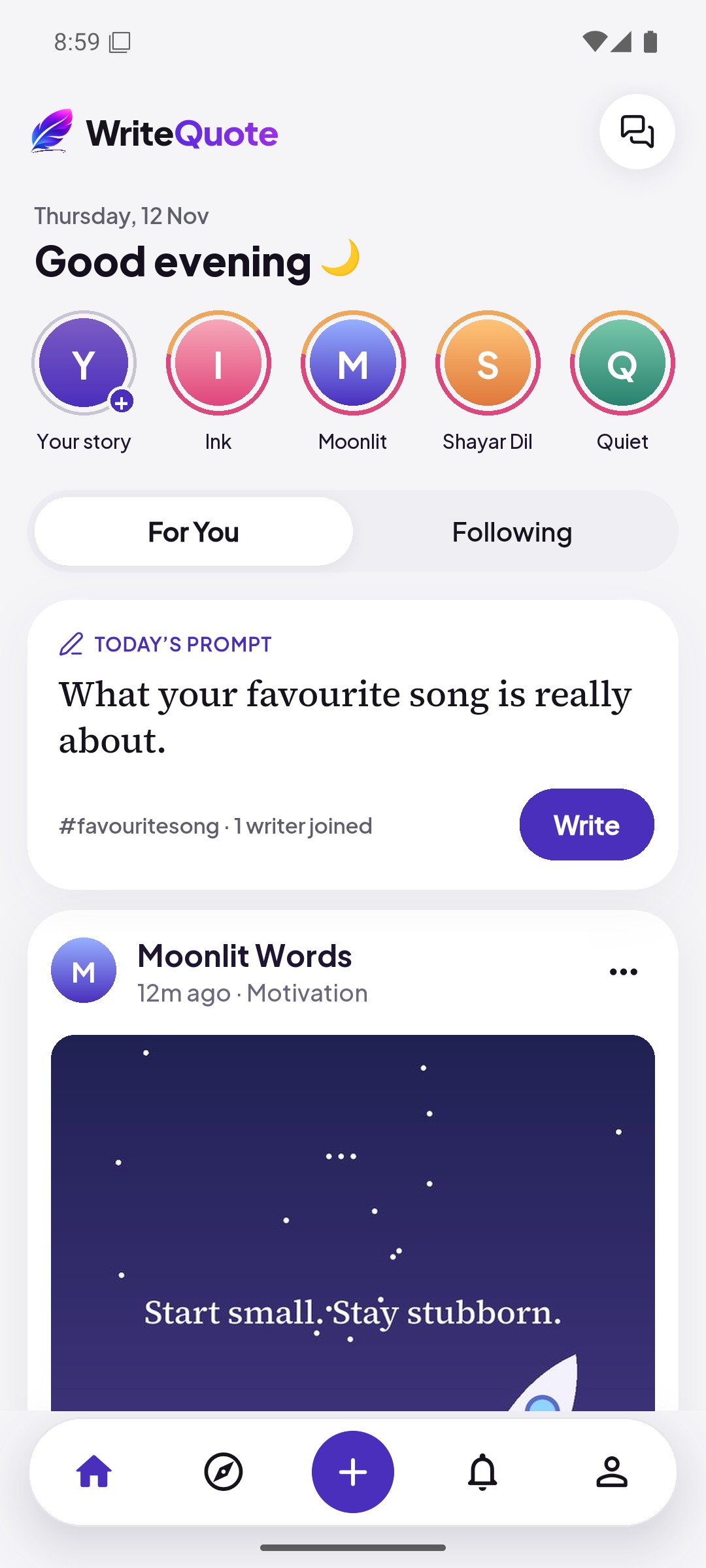
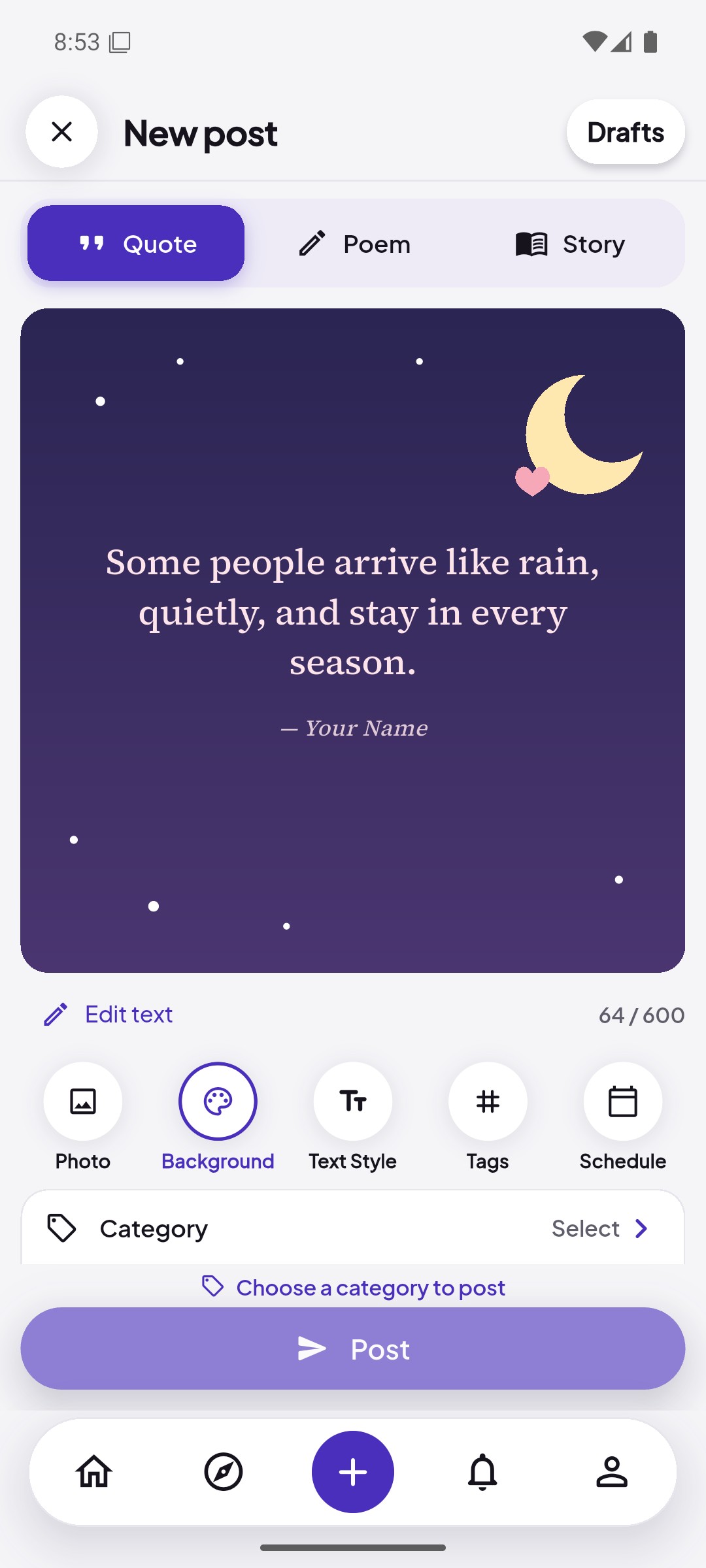
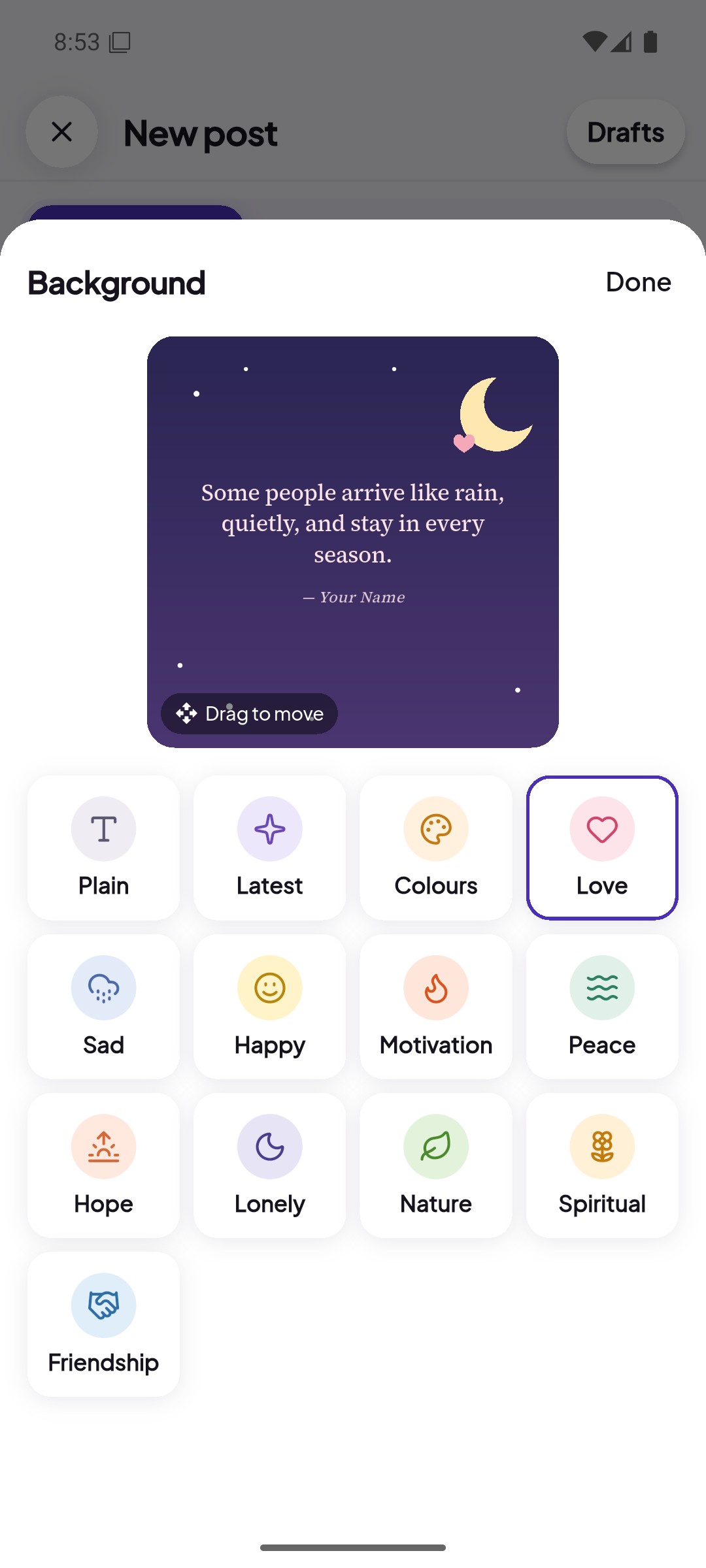
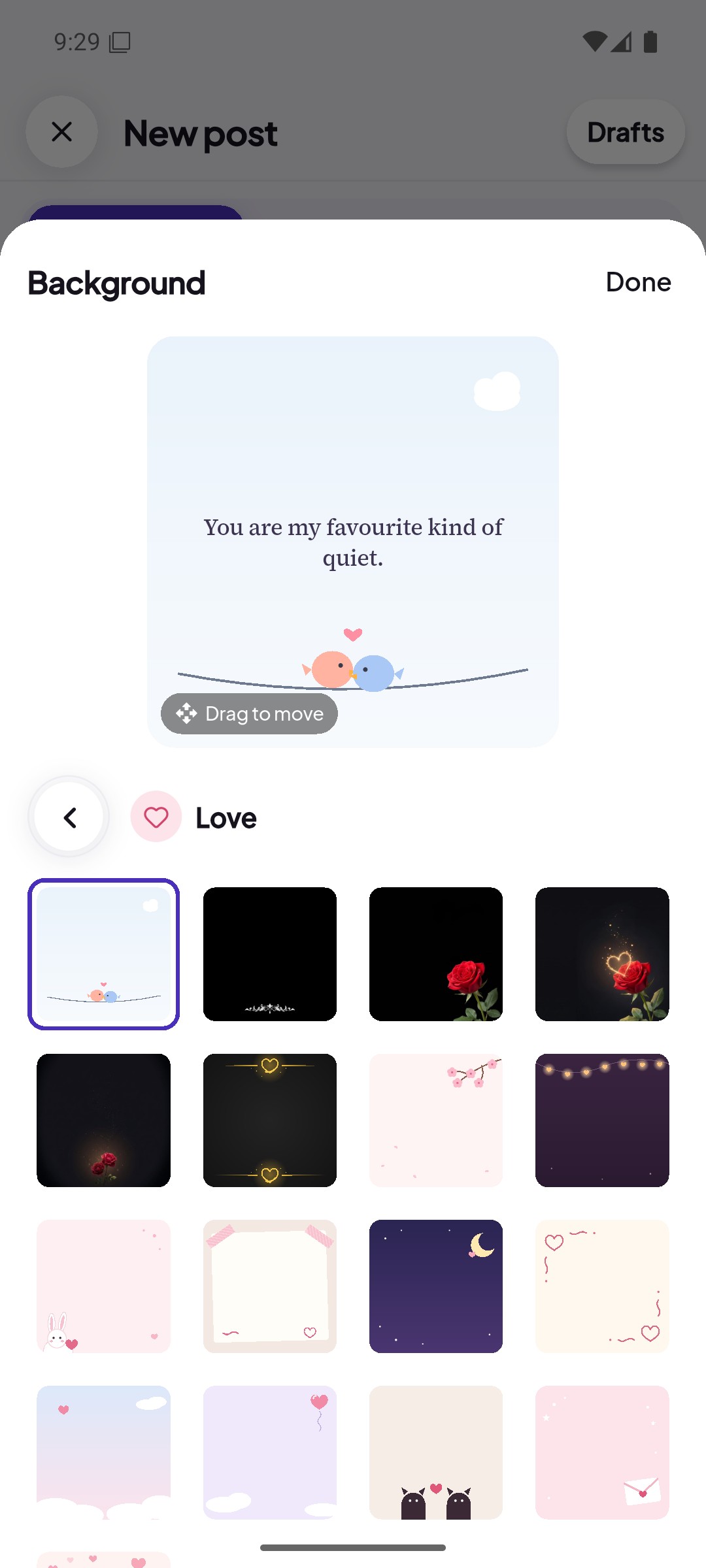
The WriteQuote splash screen Choosing a mood background for a quote in WriteQuote Writing a quote on a mood background in WriteQuote

Features

Everything you need to write and be read

Write and design

Quote, Poem or Story on one screen, with a mood background and your own font, colour and size.

Today’s prompt New

A new line to write on every day, right at the top of Home.

Collab New

Add your own verse under someone’s quote. Both names show on one post.

Stories

Share a thought for 24 hours, or put a post you love on your story with a line of your own.

Explore and follow

Trending quotes, hashtags and categories, and writers picked for you.

Like, comment, repost

Show you loved it, talk in the comments, or share it with your followers.

Messages New

Chat privately with other writers. Messages are part of Premium+.

Schedule New

Pick a time up to 30 days ahead, then edit, move or cancel the post before it goes live.

Privacy and safety

App lock, a private account, control over who finds you in search, and block or report.

Moods

Every mood gets its own look

Pick a feeling and the app gives it a scene. These are real designs from the app.
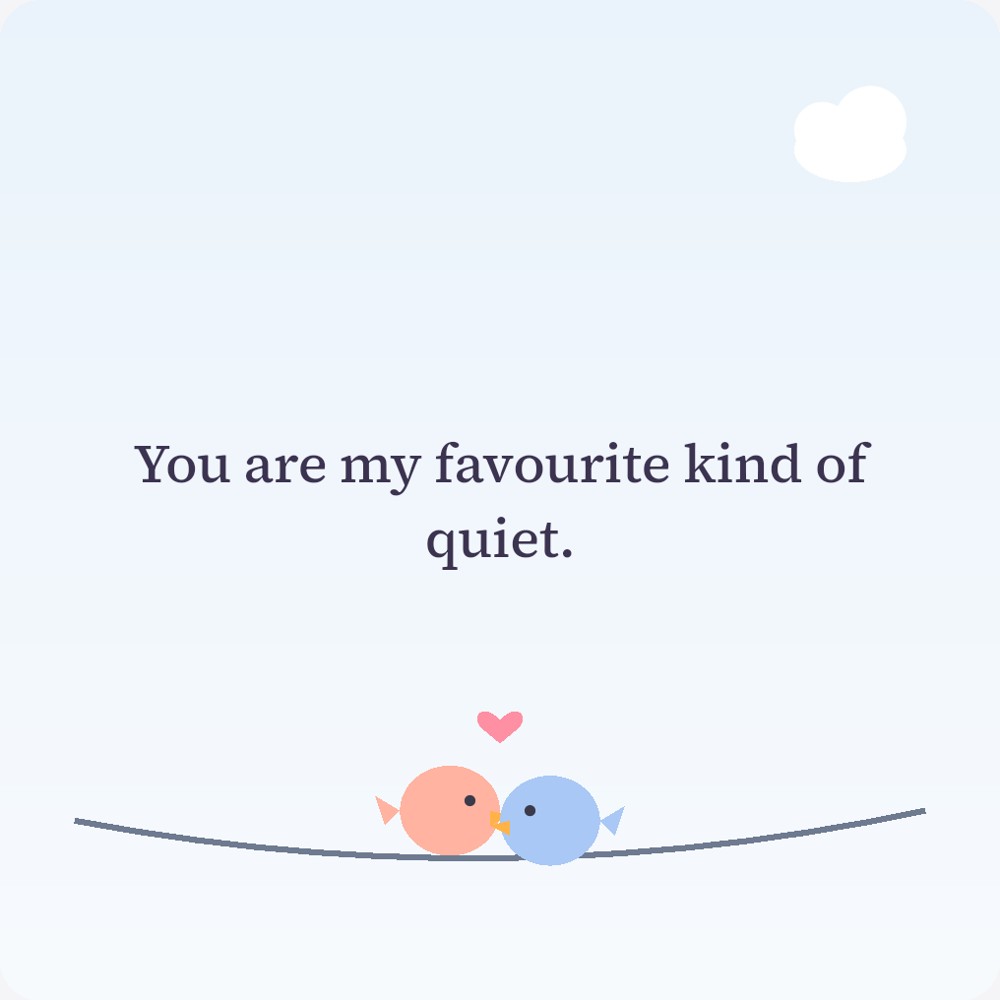
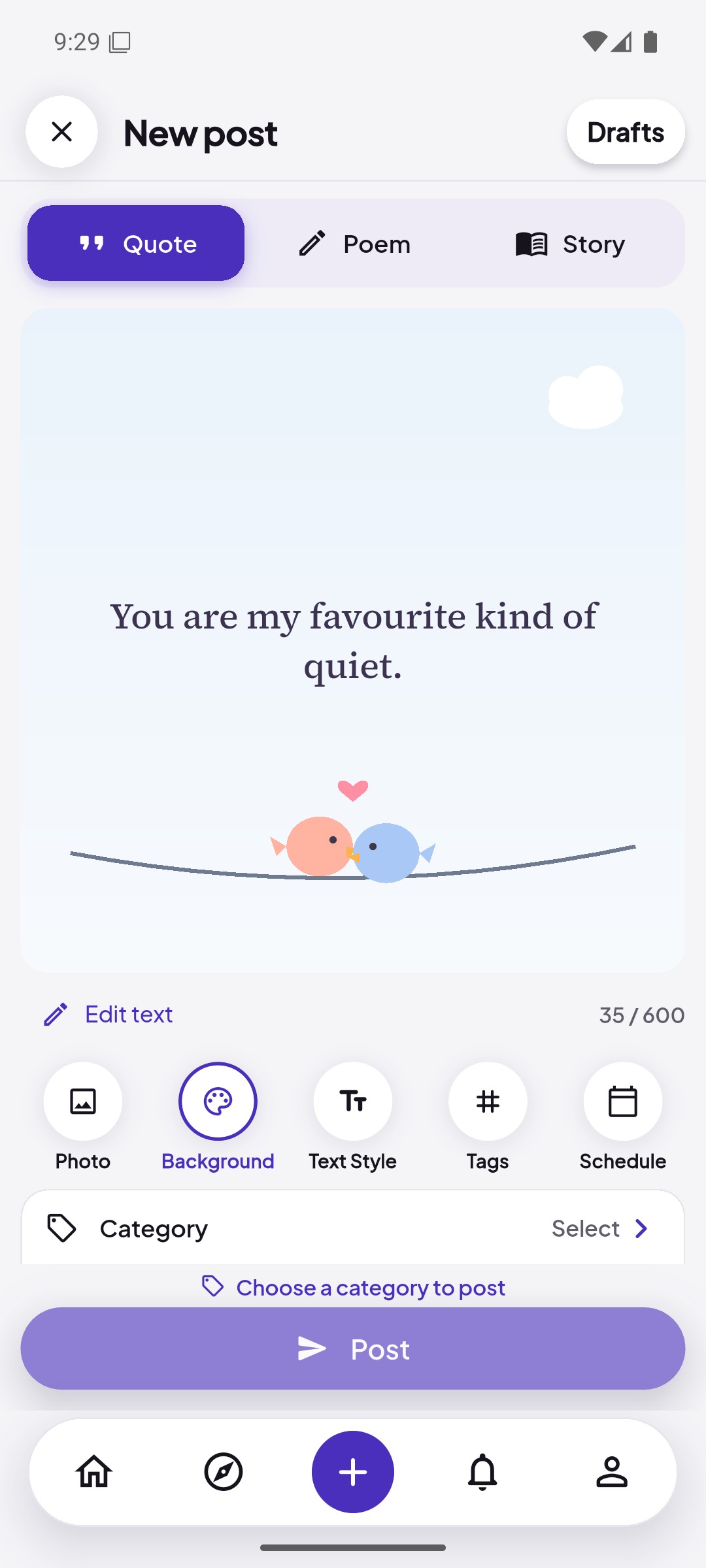
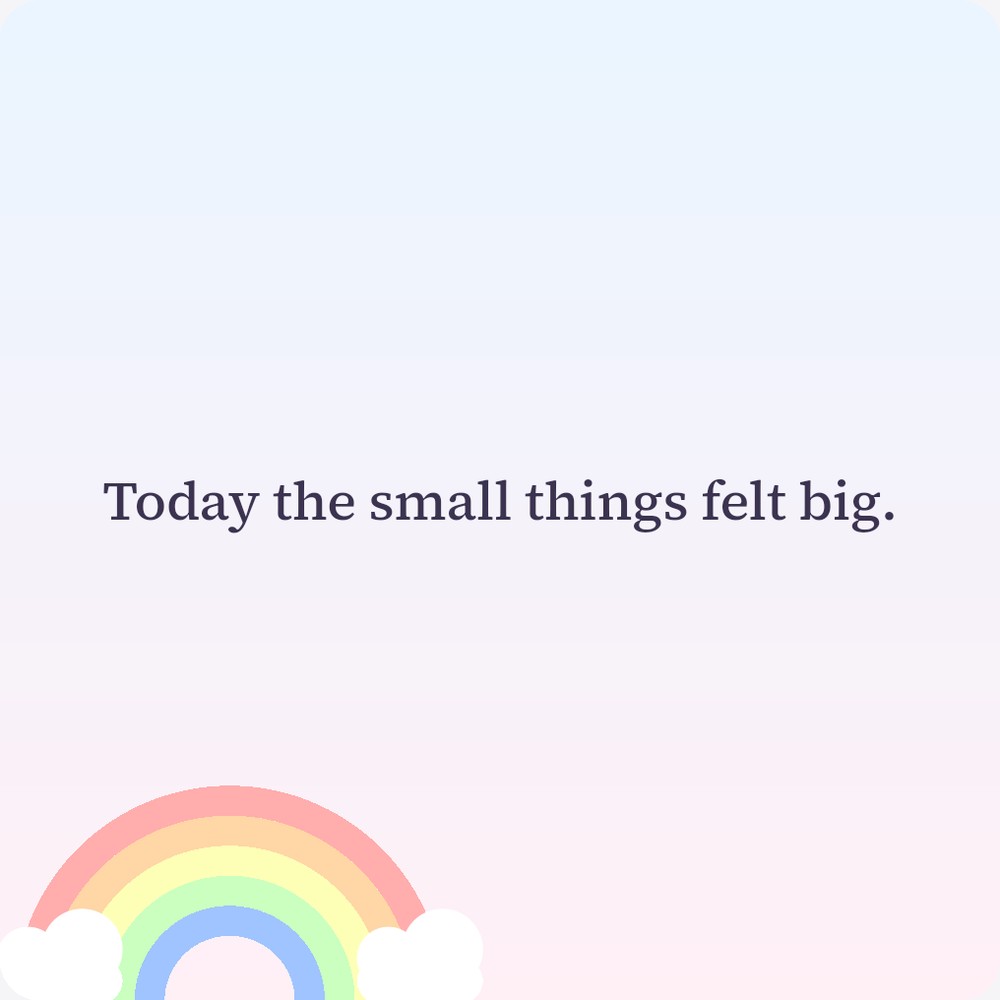
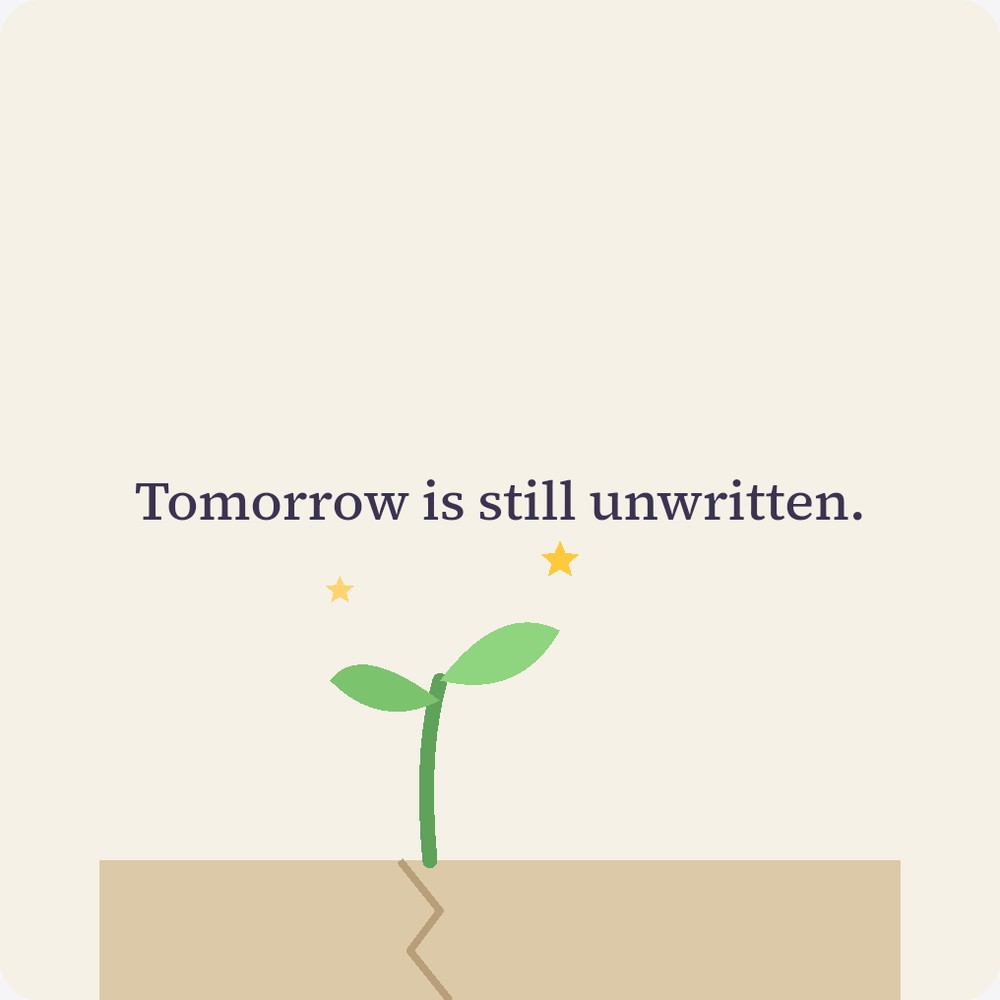
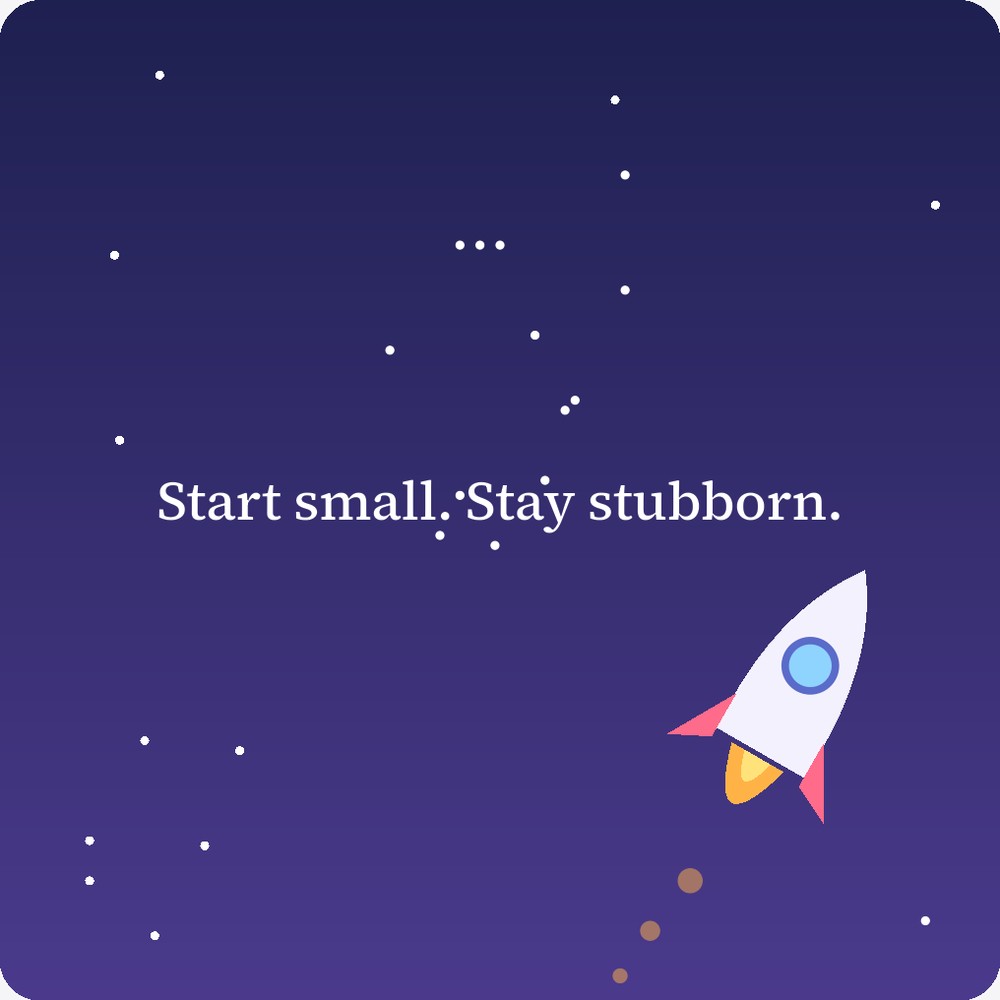
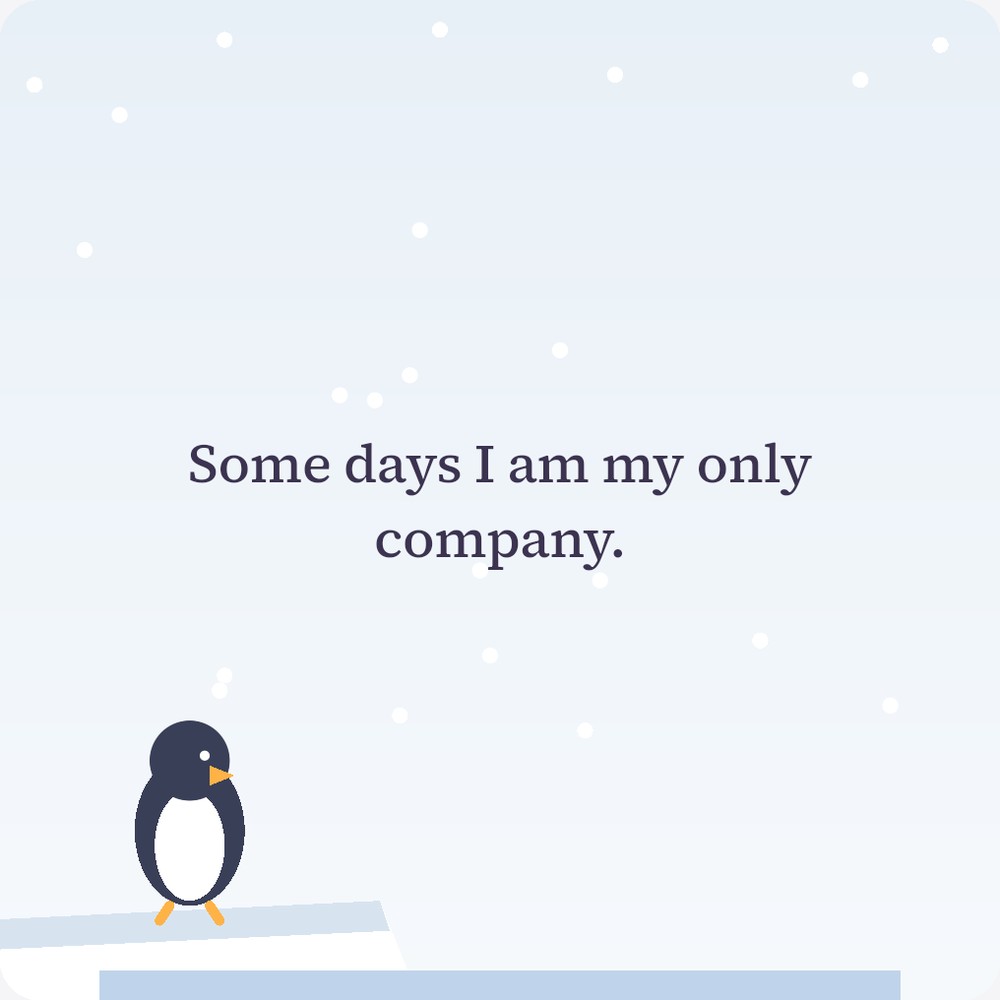
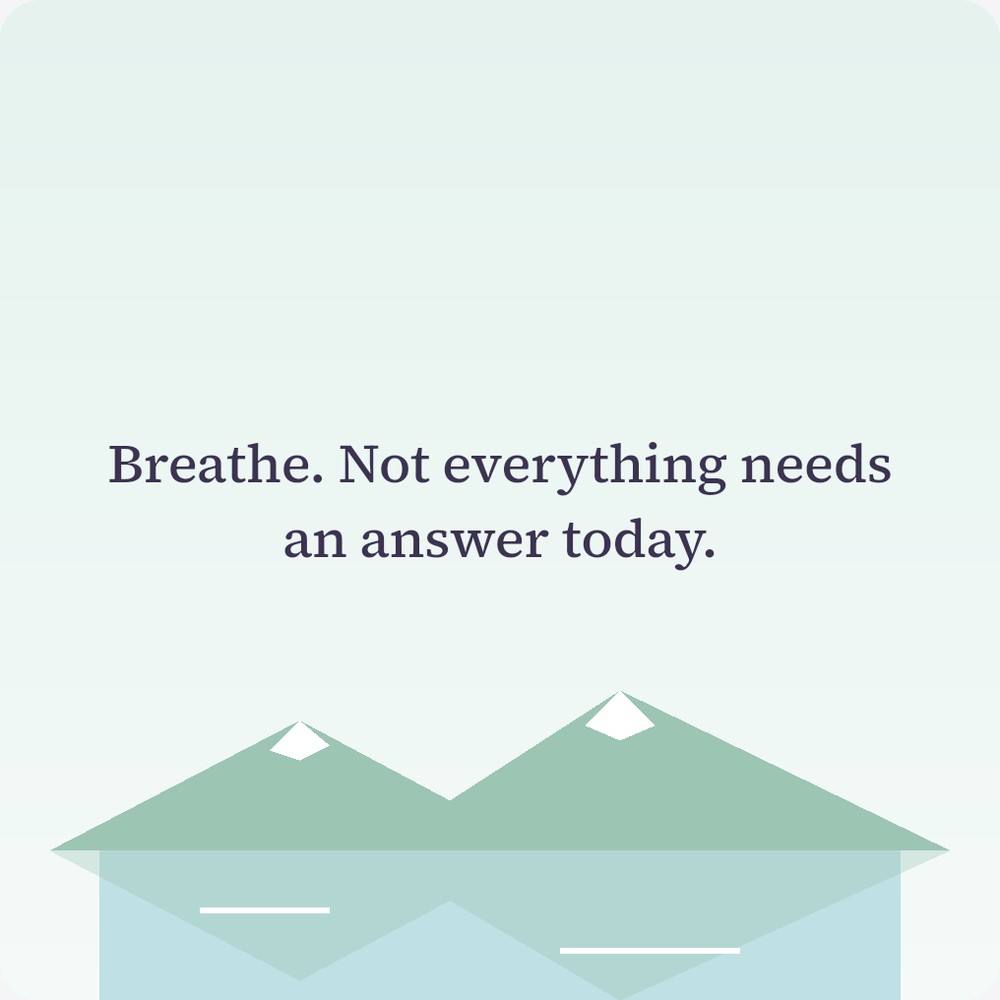
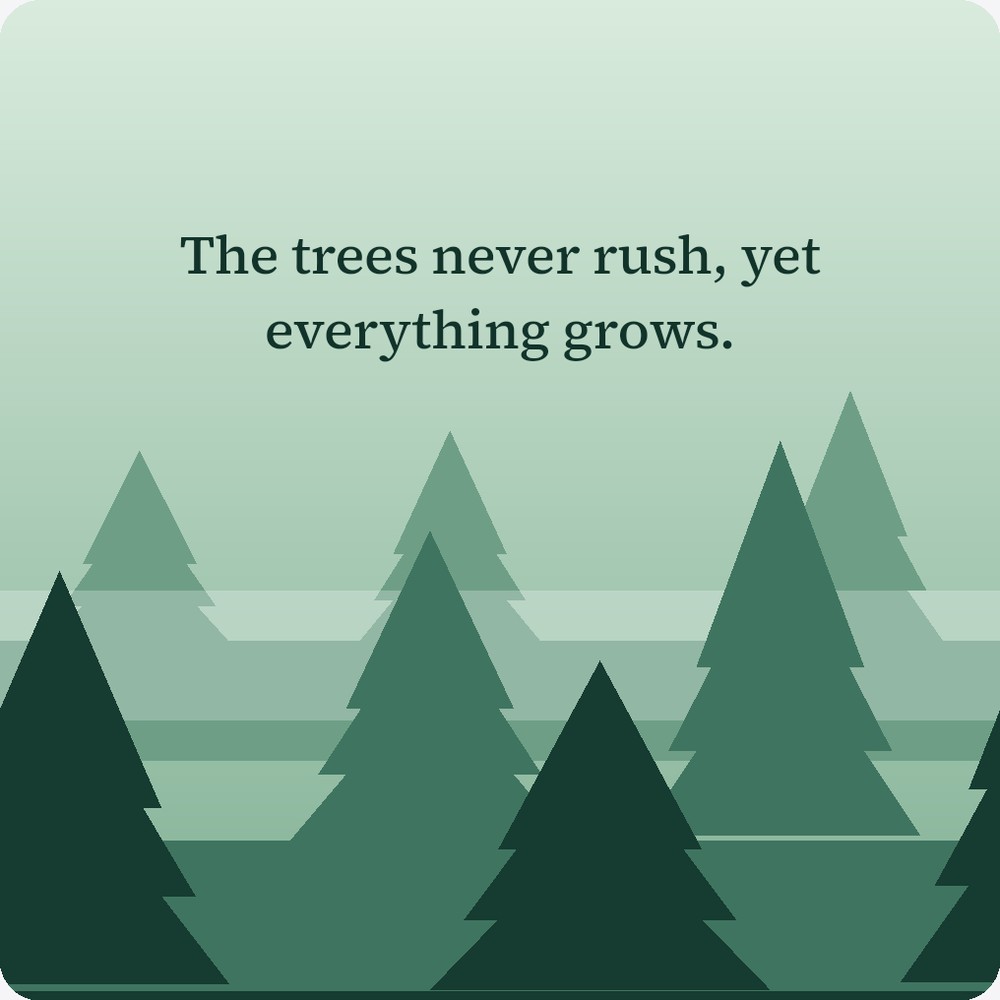
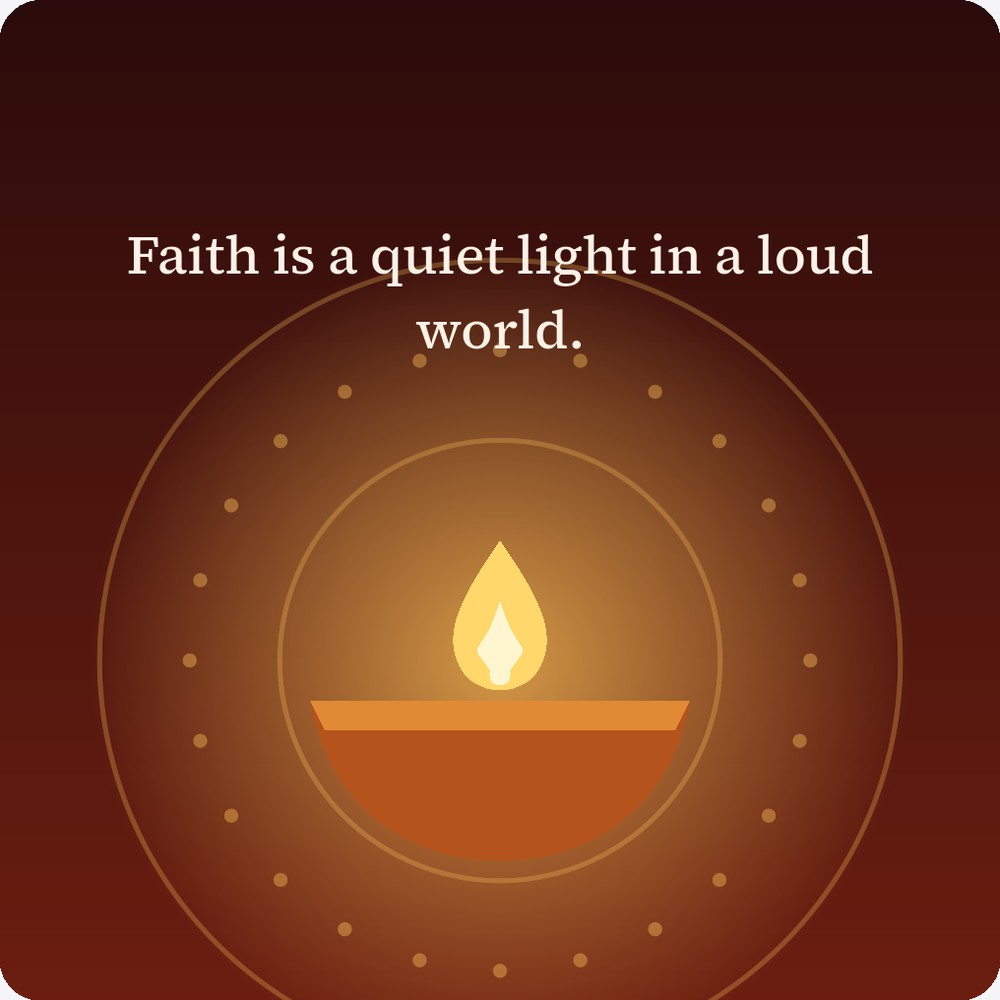
A love quote: You are my favourite kind of quiet, on two birds sharing a wire A sad quote: Some goodbyes stay longer than the people who said them, on a rainy day with a cat under an umbrella A happy quote: Today the small things felt big, above a little rainbow A hope quote: Tomorrow is still unwritten, above a small plant growing through a crack A motivation quote: Start small. Stay stubborn, beside a rocket in a starry sky A lonely quote: Some days I am my only company, beside a penguin on the snow A peace quote: Breathe. Not everything needs an answer today, above calm mountains and a lake A nature quote: The trees never rush, yet everything grows, above a pine forest A spiritual quote: Faith is a quiet light in a loud world, above a glowing diya A friendship quote: Some friends feel like home, with two friends on a bench at sunset

App screens

See how it looks

WriteQuote home feed with stories, the daily prompt and a quote post
Your feed
WriteQuote Create screen with a quote on a moonlit night background
Write
WriteQuote screen for choosing a mood background
Pick a mood
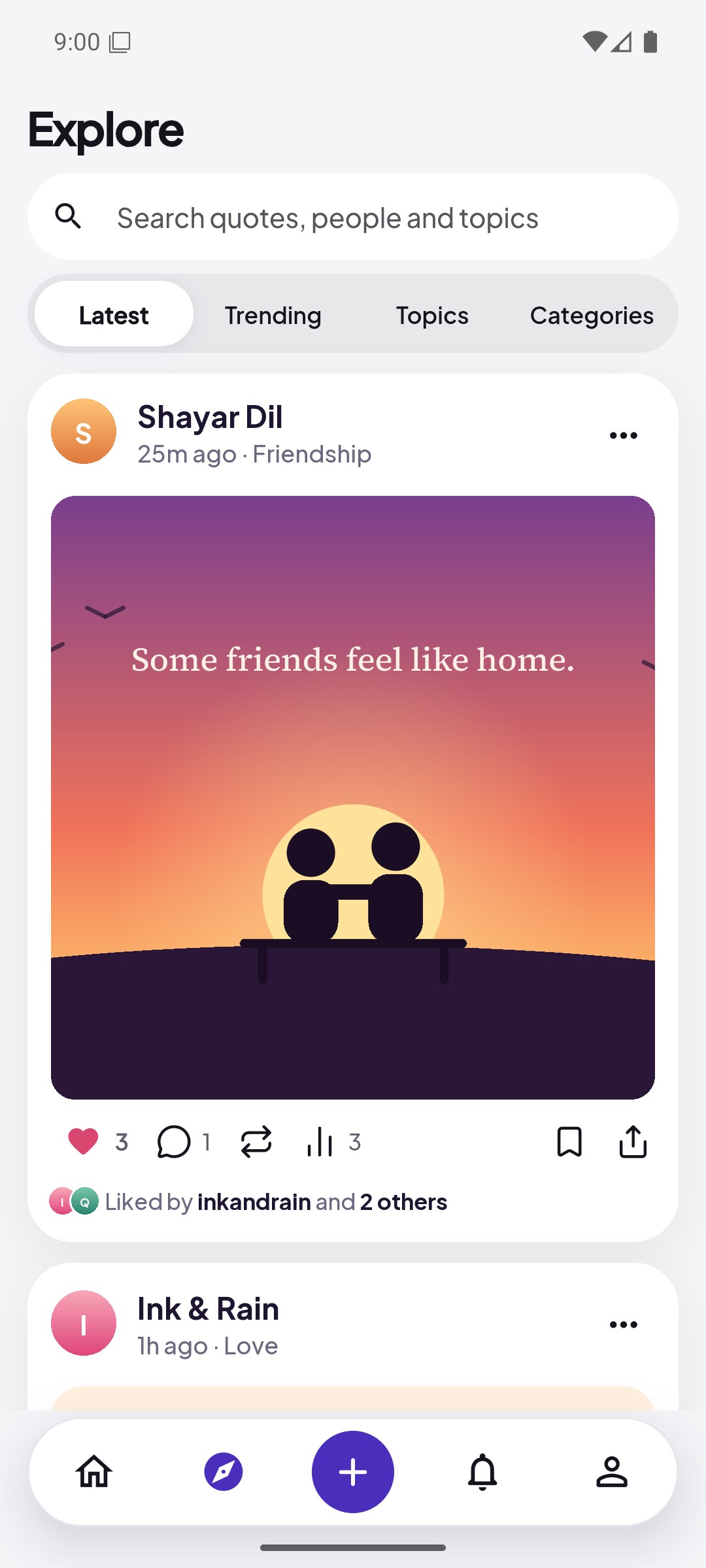
WriteQuote Explore showing the latest quote posts
Explore
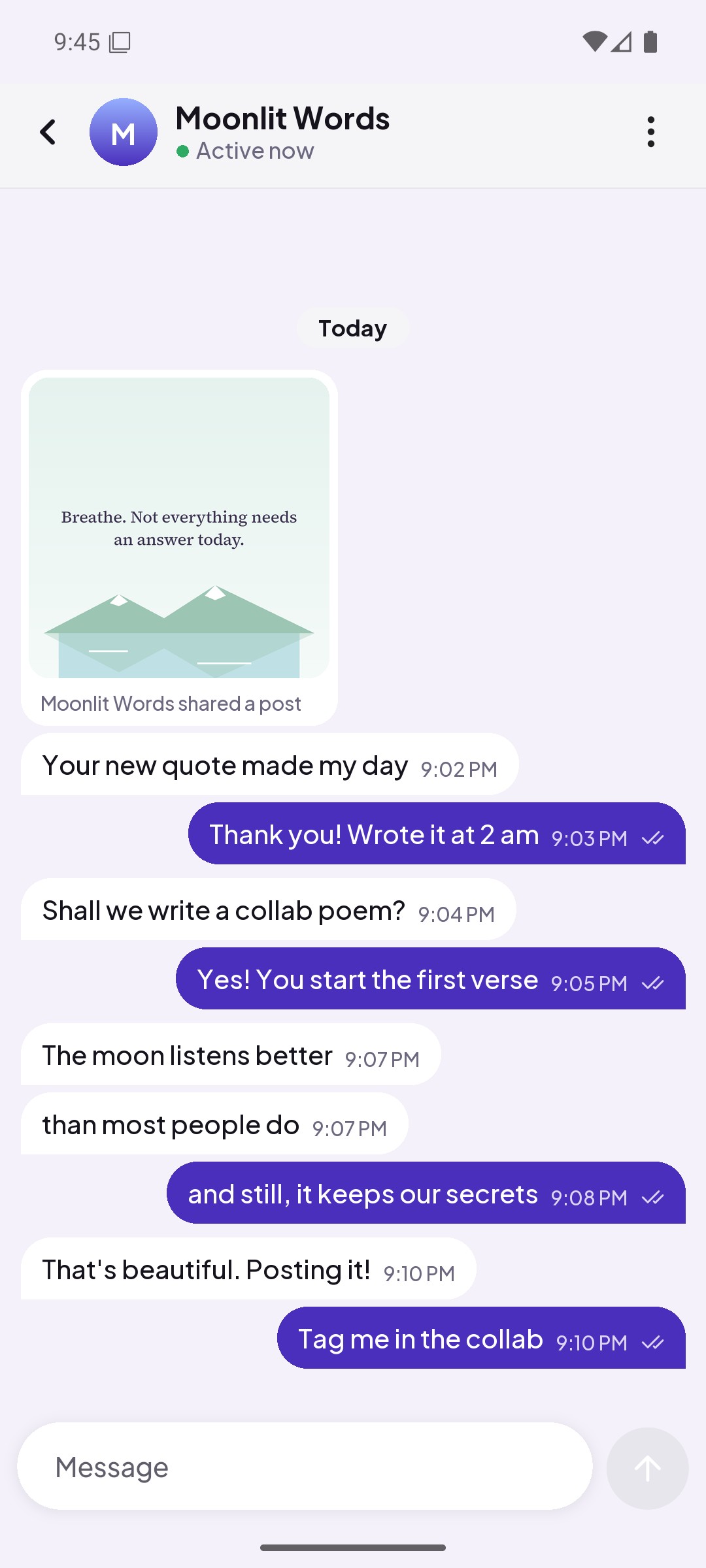
A WriteQuote chat: two writers share a quote and plan a collab poem
Chat
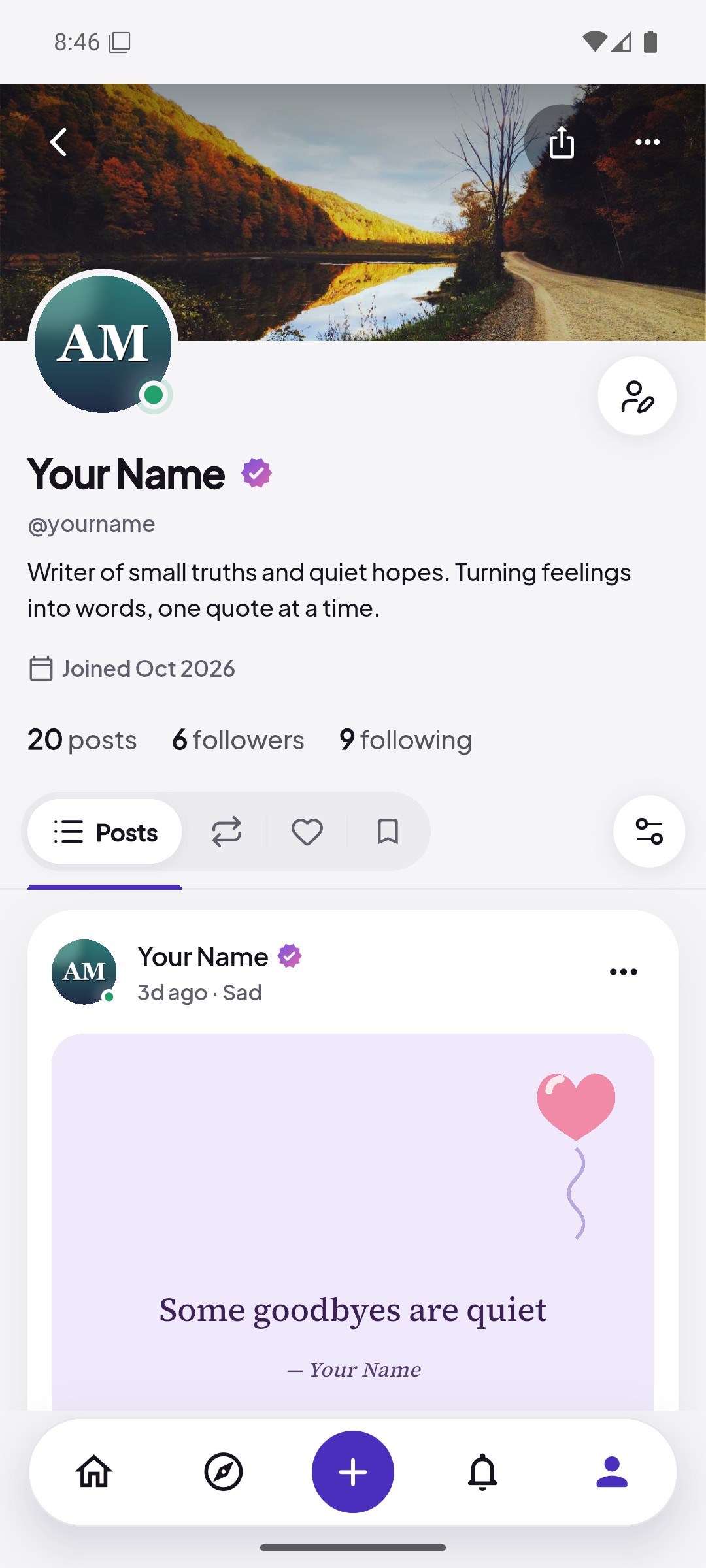
A WriteQuote profile with a cover photo, bio and posts
Your profile

Premium

Pick the plan that fits

Writing, reading and following are free for everyone. Premium and Premium+ add extra tools.

Basic

Free
Already yours
  • Post quotes, poems and stories
  • Like, comment and follow
  • Stories for 24 hours
  • Save posts to Bookmarks
  • Shows ads

Premium+

₹199 / month
or ₹1,499 a year
  • Message other Premium+ writers
  • Schedule posts
  • 3 profile themes
  • No ads at all
  • Premium+ tick on your profile
  • Everything in Premium

Sold through Google Play, which shows the final price before you buy. Cancel any time.

FAQ

Frequently asked questions

See all answers

What is WriteQuote?

A social app for quotes, shayari, poems and stories. You write your own lines, turn them into beautiful posts, and follow other writers.

Is WriteQuote free?

Yes, you can write, post, follow and explore for free. Premium and Premium+ are optional subscriptions with extra tools.

Can I write in Hindi?

Yes. You can write in Hindi or English, and there are fonts made for each.

How do I post a quote?

Tap +, choose Quote, Poem or Story and write. Add a photo or background and set the text style with the tools below. Choose a category and who can see it, then tap Post, or save it as a draft.

Who owns what I post?

You do. You give WriteQuote permission to store and show your post inside the app for as long as it stays on WriteQuote. Read the Terms of Service for details.

How do I delete my account?

Go to Profile, open the menu, then Account Settings and tap Delete account. Your account is hidden at once and deleted permanently after 30 days. See all the steps.